Documentation › User manual › Spreadline desktop program
Shadow and Live
A strategy runs in one of two modes. Shadow is a test run: real prices, pretend trades, nothing is sent to your broker. Live trades for real: real orders go to the broker account of the venue the strategy uses (the MT5 account named on its Venues page).
-
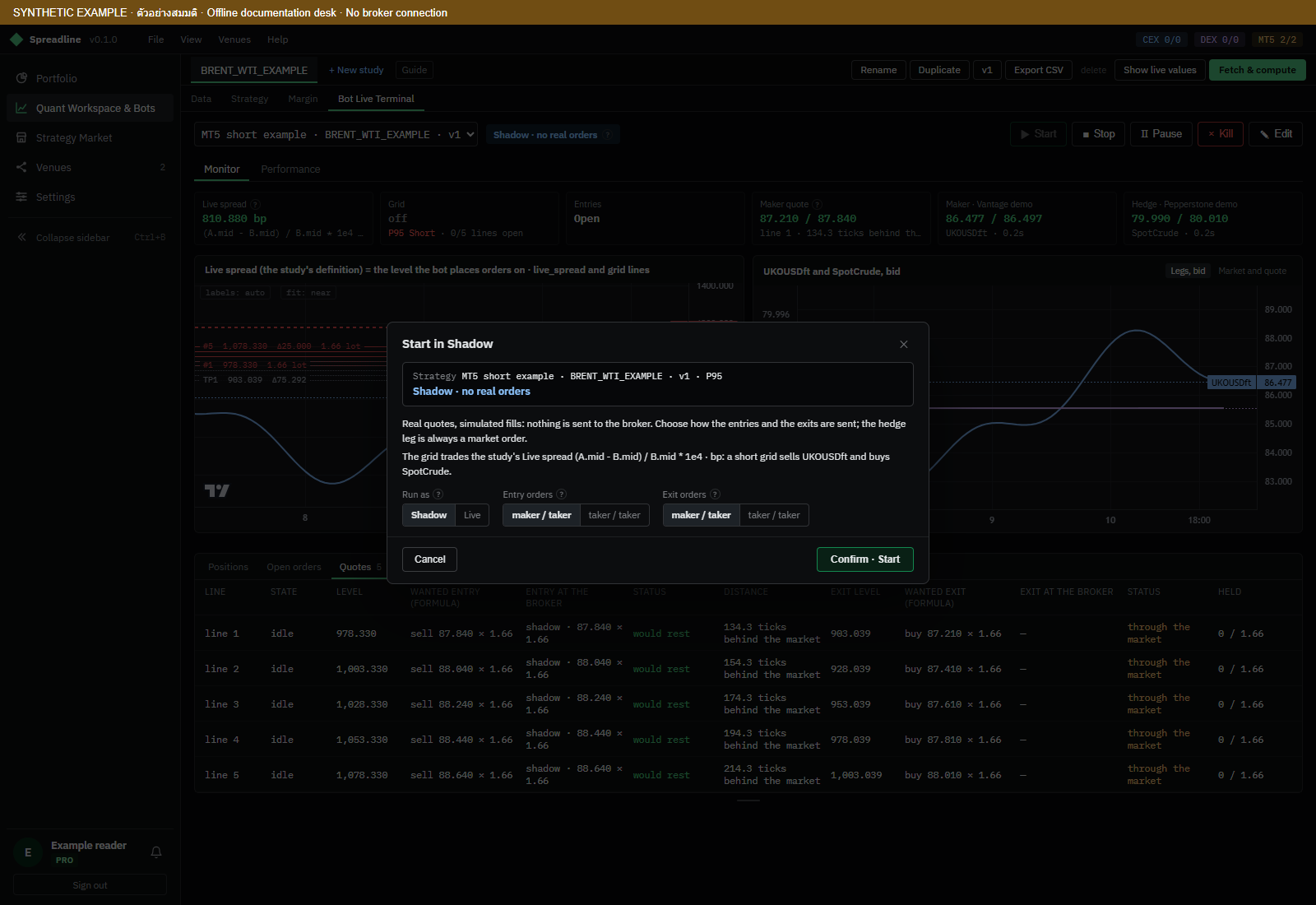
In Bot Live Terminal press Start. The box always opens as Shadow.
 View full image
Synthetic example: invented accounts and prices. This picture is not trading or test evidence. -
Shadow: choose how the entries and the exits are sent, maker / taker or taker / taker (a maker order waits at your price; a taker order trades at the market price now). Press Confirm · Start. The badge reads "Shadow · no real orders".
-
Live: in Run as choose Live. The box shows whether the accounts are demo or real money, and a list of checks; each must show ✓, and each says where to fix it.
-
Press Confirm · Start Live. It opens only when every check passes. The badge reads "Live · real orders".
-
To stop, press Stop and choose Exit position or Hold. Exit position closes this grid's positions in the closing way chosen in the Stop box; the run ends when nothing is open. Hold cancels every order of the grid and keeps the positions. While held there is no normal exit and no stop loss until you press Start. Choose Freeze to send nothing more until Start; any unhedged part (a position with no opposite trade to balance it) stays as it is. Choose Manage to try the missing hedge again; if the venue still refuses it, Manage closes that unhedged part at market price. So Manage can still send orders while held. Pause entries only stops new entries. Kill cancels orders and closes positions at market price.
- Run in Shadow first, for as long as you like: it costs nothing and sends nothing.
- Live also needs Allow trading switched on for the venue (Venues) and AutoTrading on in the MT5 terminal.
- Closing the Spreadline window, or Quit, does not stop a running bot: each run works in its own background process and goes on, in Live with real orders. When you open Spreadline again, the run is shown as still running. To stop a bot, press Stop in Bot Live Terminal before you close the program.
- A bot needs this computer switched on and the MT5 terminal running: it trades through that terminal.