Documentation › User manual › Spreadline desktop program
Settings
Settings has four tabs: License, General, Alerts & Telegram and Account.
-
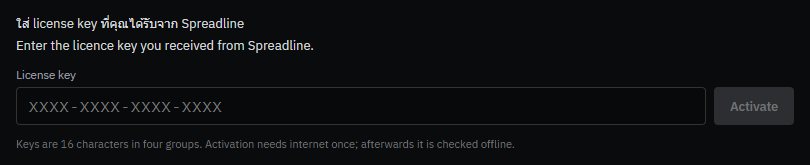
License: the licence key box ("Enter the licence key you received from Spreadline.") with Activate. Deactivate on this machine frees the key. "Licenses on your account" lets you activate a key of your account without typing it.
 View full image
Synthetic example: invented accounts and prices. This picture is not trading or test evidence. -
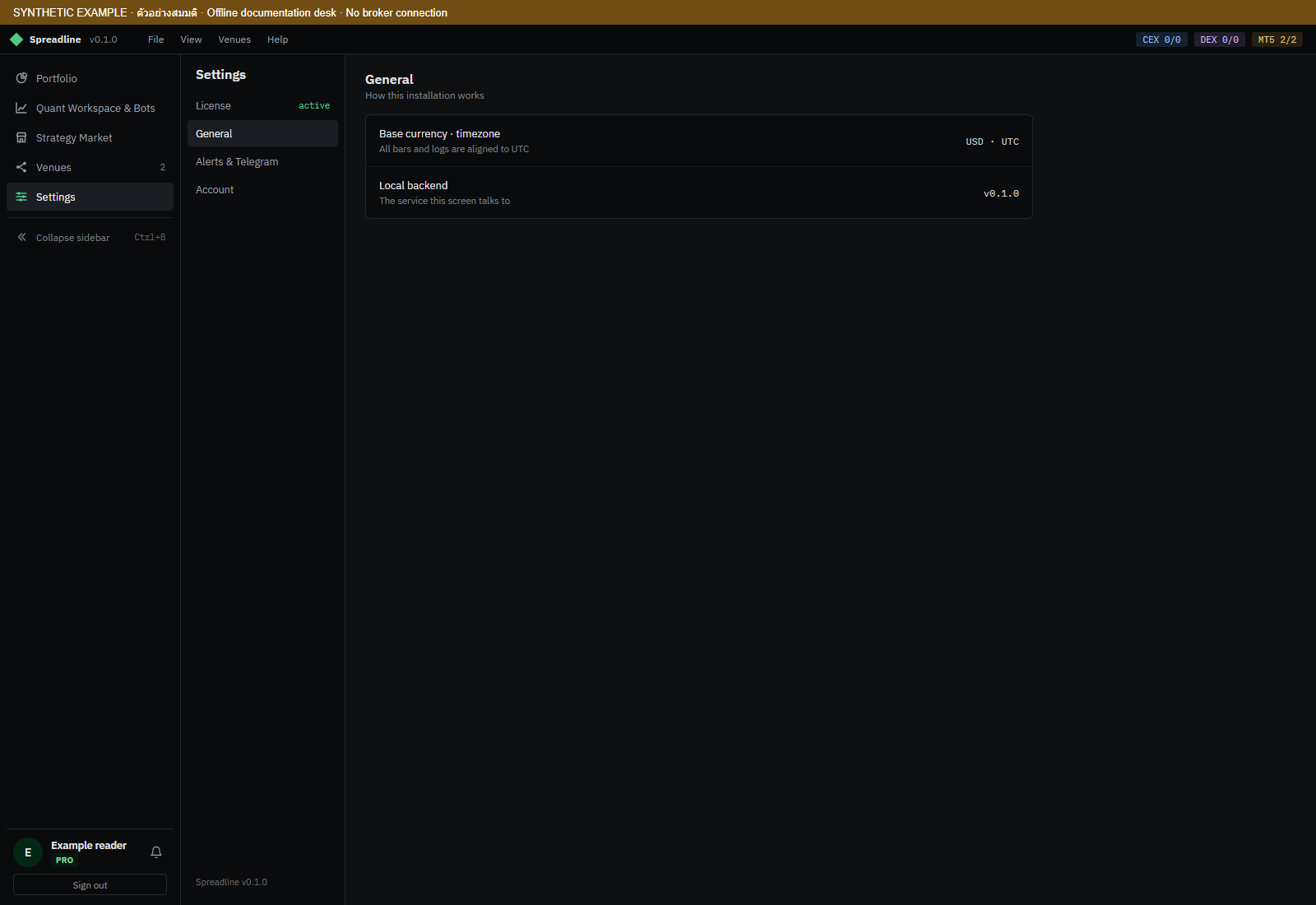
General: shows the base currency and time zone (USD · UTC) and the program's version. There is nothing to change here.
 View full image
Synthetic example: invented accounts and prices. This picture is not trading or test evidence. -
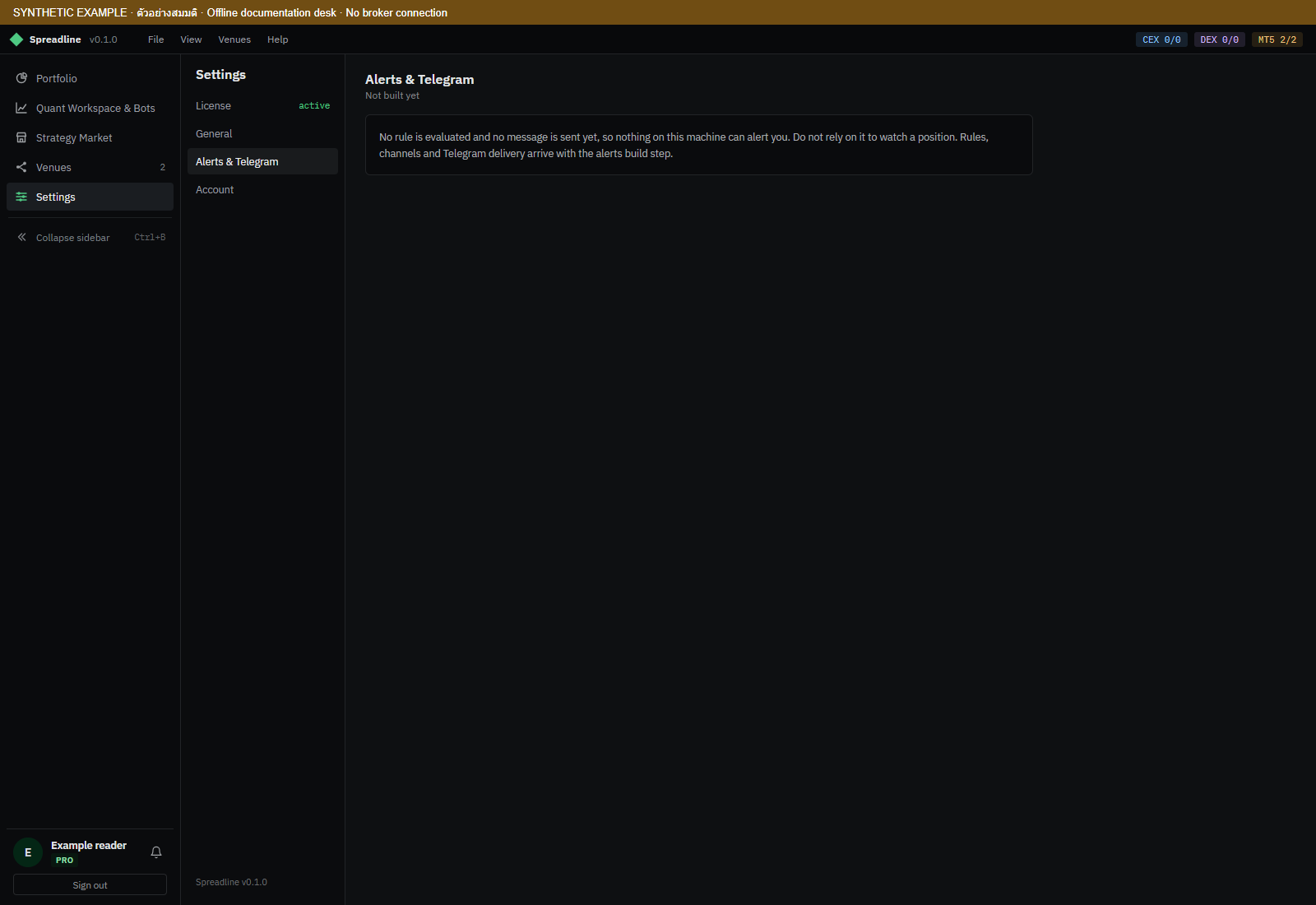
Alerts & Telegram: not built yet. No alert or message is sent, so do not rely on it to watch a position.
 View full image
Synthetic example: invented accounts and prices. This picture is not trading or test evidence. -
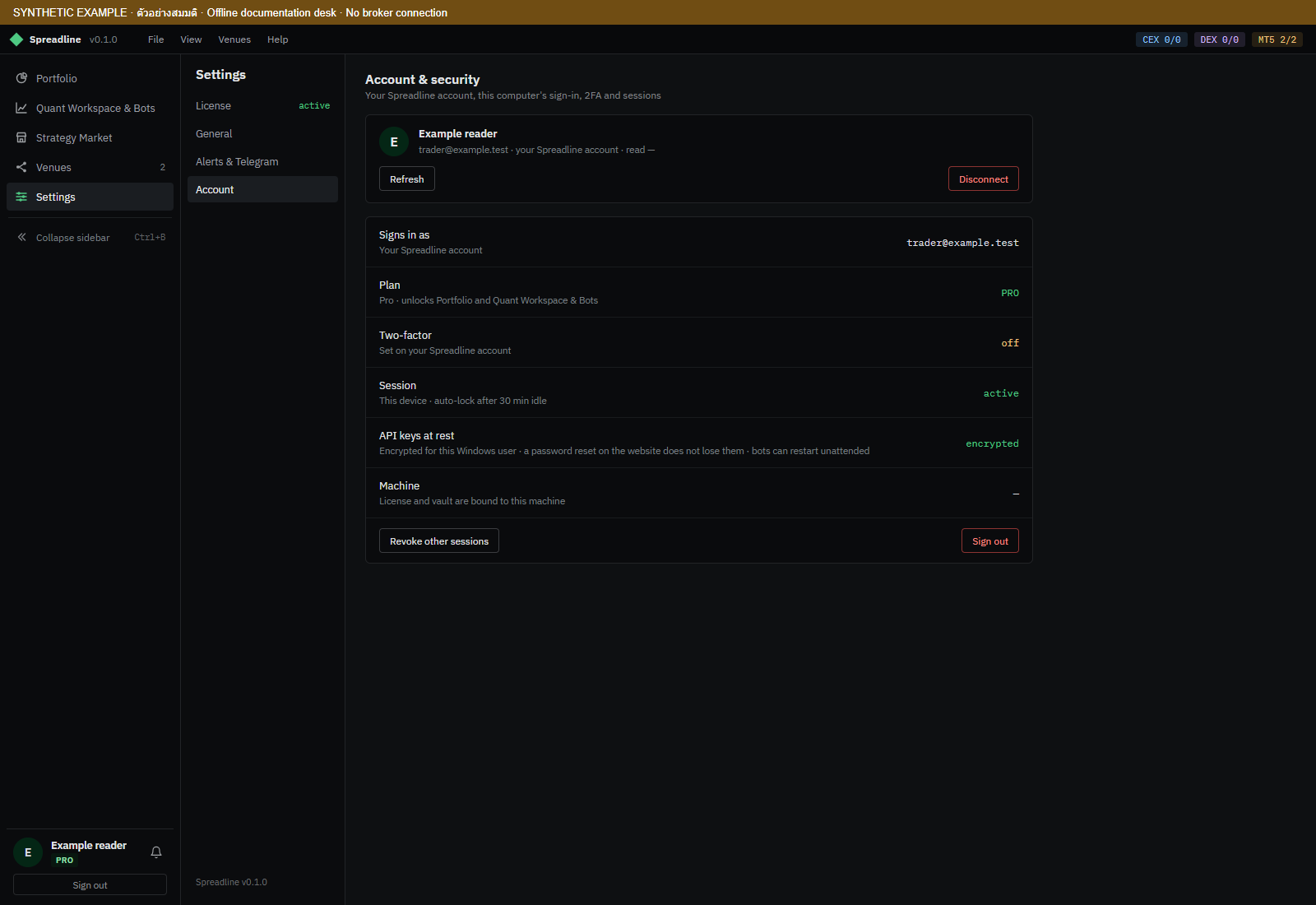
Account: your sign-in email, two-factor status and a Session row. When linked to a website account, the page also shows Disconnect and the website password/two-factor link. Revoke other sessions and Sign out are available here.
 View full image
Synthetic example: invented accounts and prices. This picture is not trading or test evidence.
- Disconnect keeps this computer's API keys and its licence; sign in again to reconnect.