Documentation › User manual › Website
Register
Your Spreadline account is one email and one password for the website and the desktop program.
-
Open the Spreadline website and press Create account at the top right (Sign up on a phone).
-
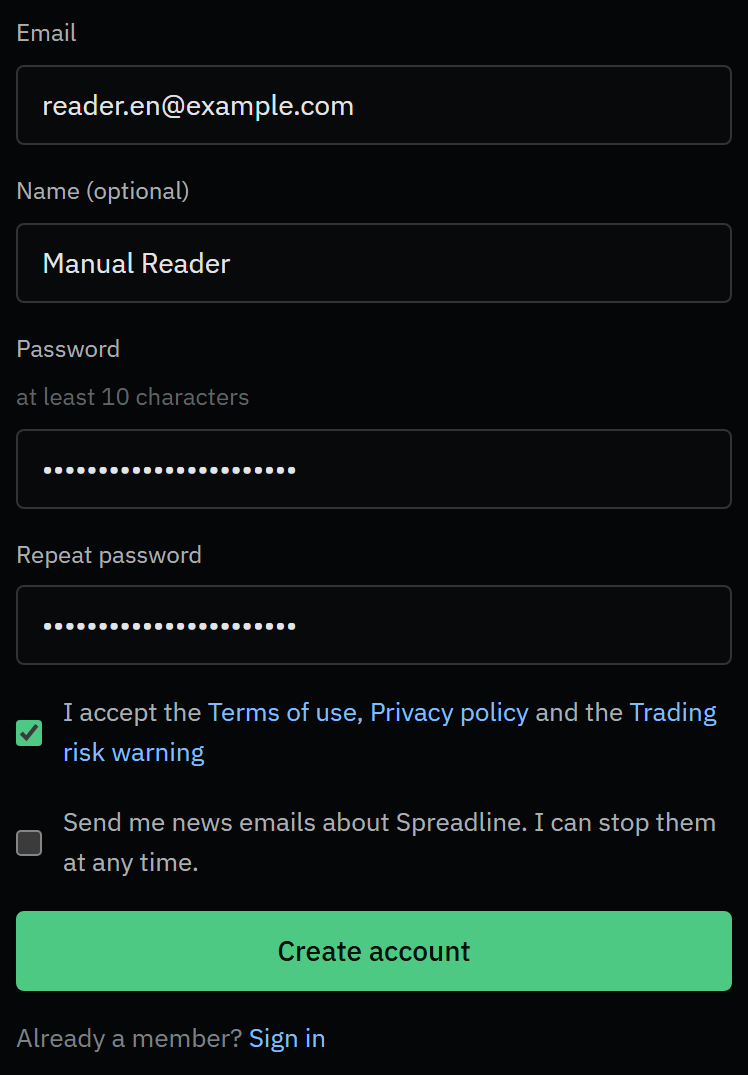
Type your email and a password of at least 10 characters, then type the password again. The name is optional.
 View full image
-
Tick "I accept the Terms of use, Privacy policy and the Trading risk warning". News emails are your choice.
-
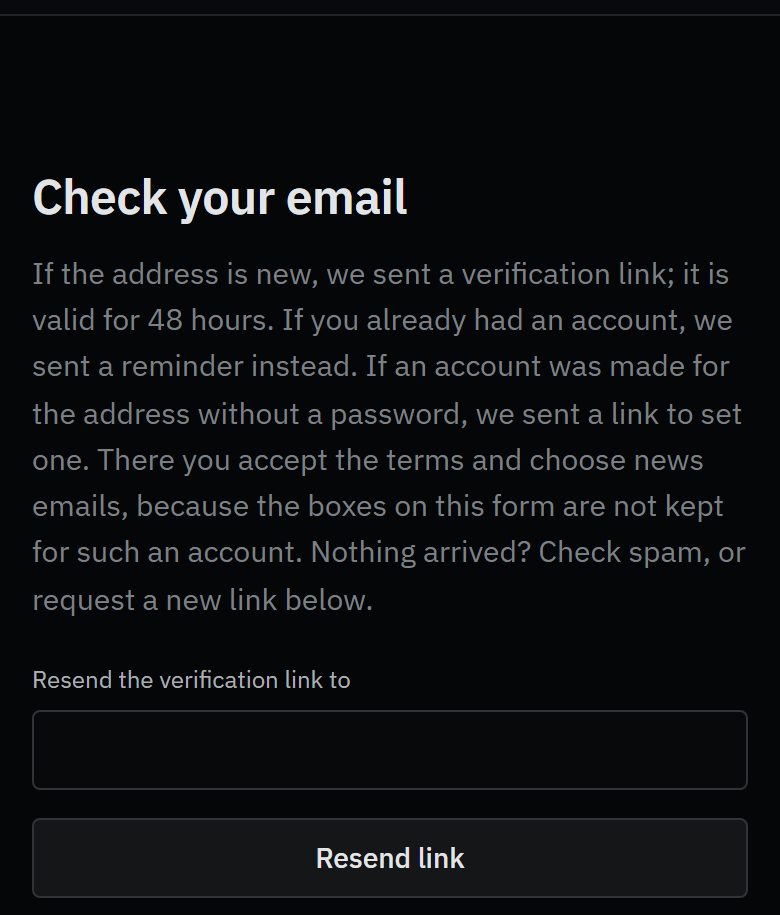
Press Create account. The page "Check your email" opens.
 View full image
-
Open the email from Spreadline and click the link inside. The link works for 48 hours. Your email is now confirmed.
-
Sign in with the same email and password. See "Sign in".
Good to know
- Nothing arrived? Look in the spam folder, or press Resend link on the "Check your email" page.
- An account alone does not open the desktop program's paid screens: they need a licence key issued by the Spreadline staff.