Documentation › User manual › Website
Sign in
Sign in to see your licences, the computers connected to your account and the downloads.
-
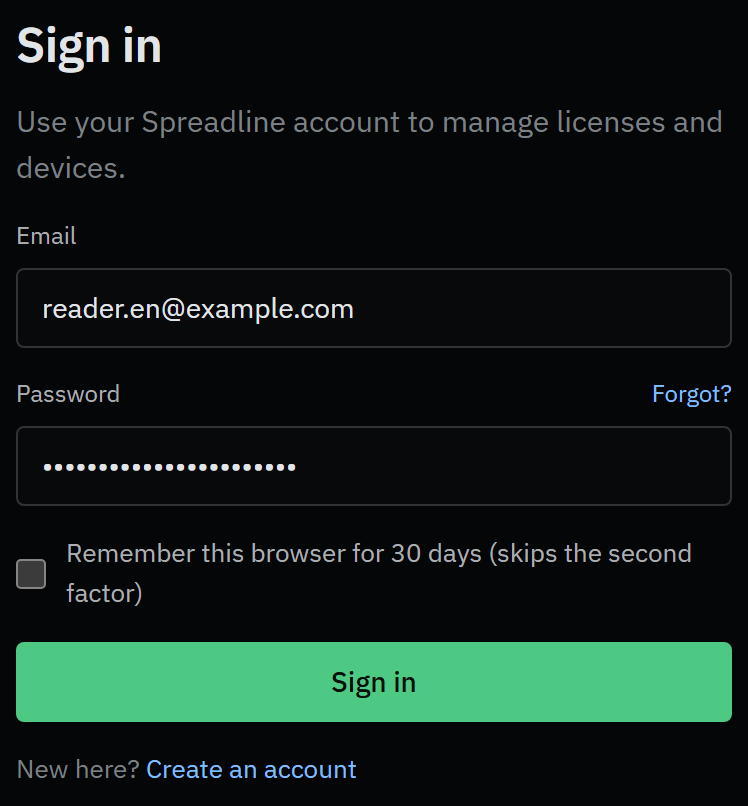
Press Sign in at the top right. Type your email and password. On your own computer, you may tick "Remember this browser for 30 days" on this page before pressing Sign in.
 View full image
-
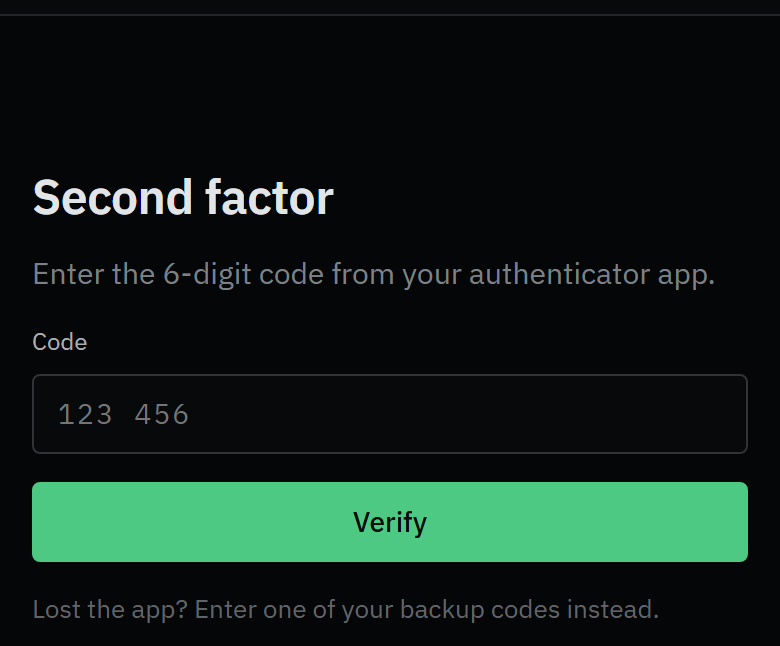
If two-factor is on, type the 6-digit code from your authenticator app and press Verify. Lost the app? Type one of your backup codes instead.
 View full image
-
A remembered browser skips the two-factor code for 30 days. Do not use this option on a shared computer.
-
Your account opens: Account, Licenses & devices, Connected computers, Billing and Downloads are in the menu.
Good to know
- Email not confirmed yet? Open the link from the email first; the sign-in page lets you send the link again.
- Too many wrong tries: wait a few minutes, then try again.
- The desktop program uses the same email and password.