Documentation › User manual › Spreadline desktop program
Portfolio
Portfolio shows the money and the open positions on every venue you connected.
-
Open Portfolio in the menu on the left. Press Refresh balances to read every venue now.
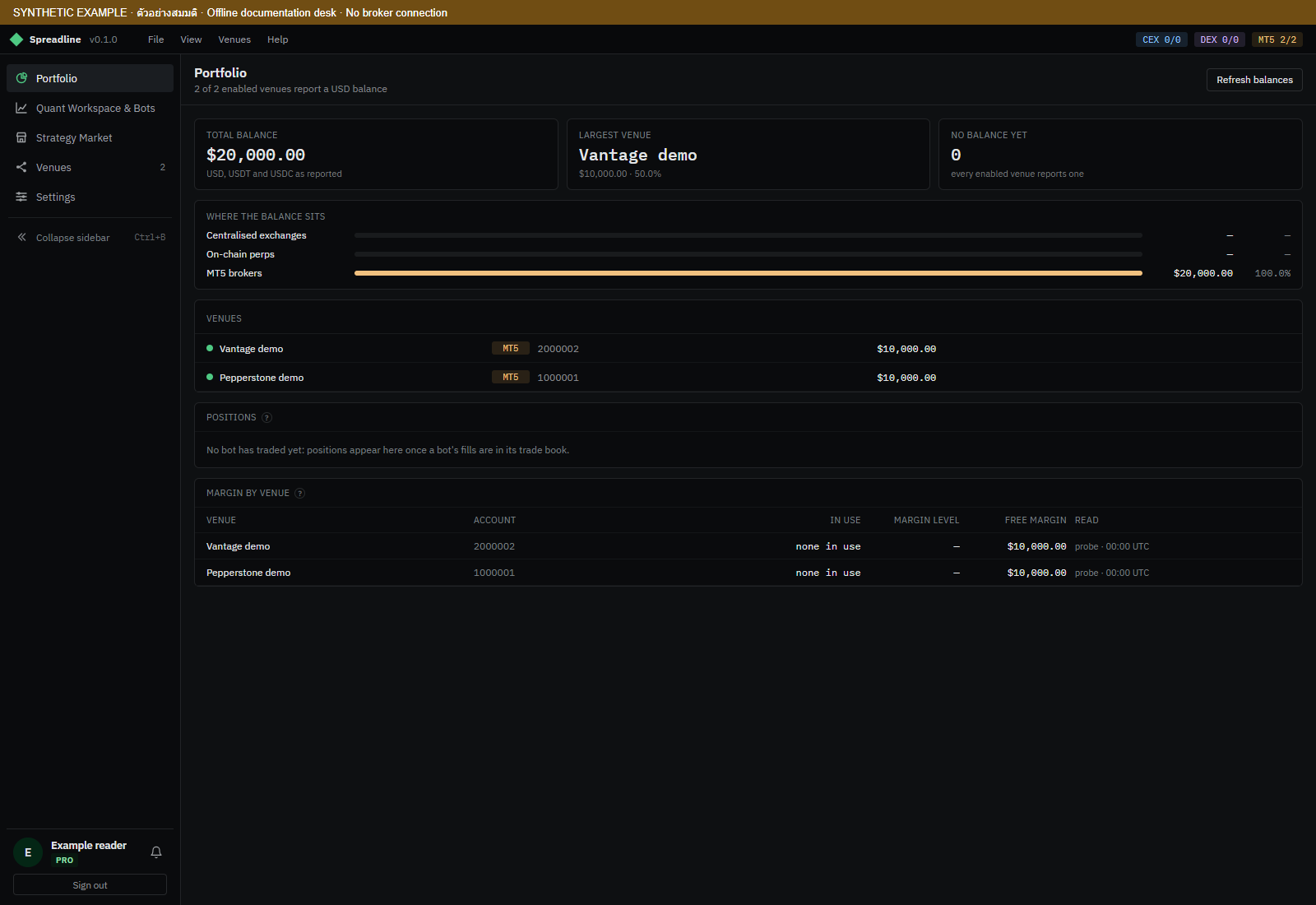 View full image
Synthetic example: invented accounts and prices. This picture is not trading or test evidence. -
Total balance and "Where the balance sits" show your money and how it is spread across the venues.
-
The Venues table lists each venue with its account and balance. Click a row to open that venue.
-
Positions lists every open position: venue, symbol, side, quantity, average price, last price, profit or loss (still open and already closed), fees and margin, grouped by bot with a total for each bot.
-
Margin by venue shows, for each account, the margin in use (money held as a deposit for open positions), the margin level and the free margin (money still free). Keep an eye on the margin level: if it falls too low, the broker can close your positions.
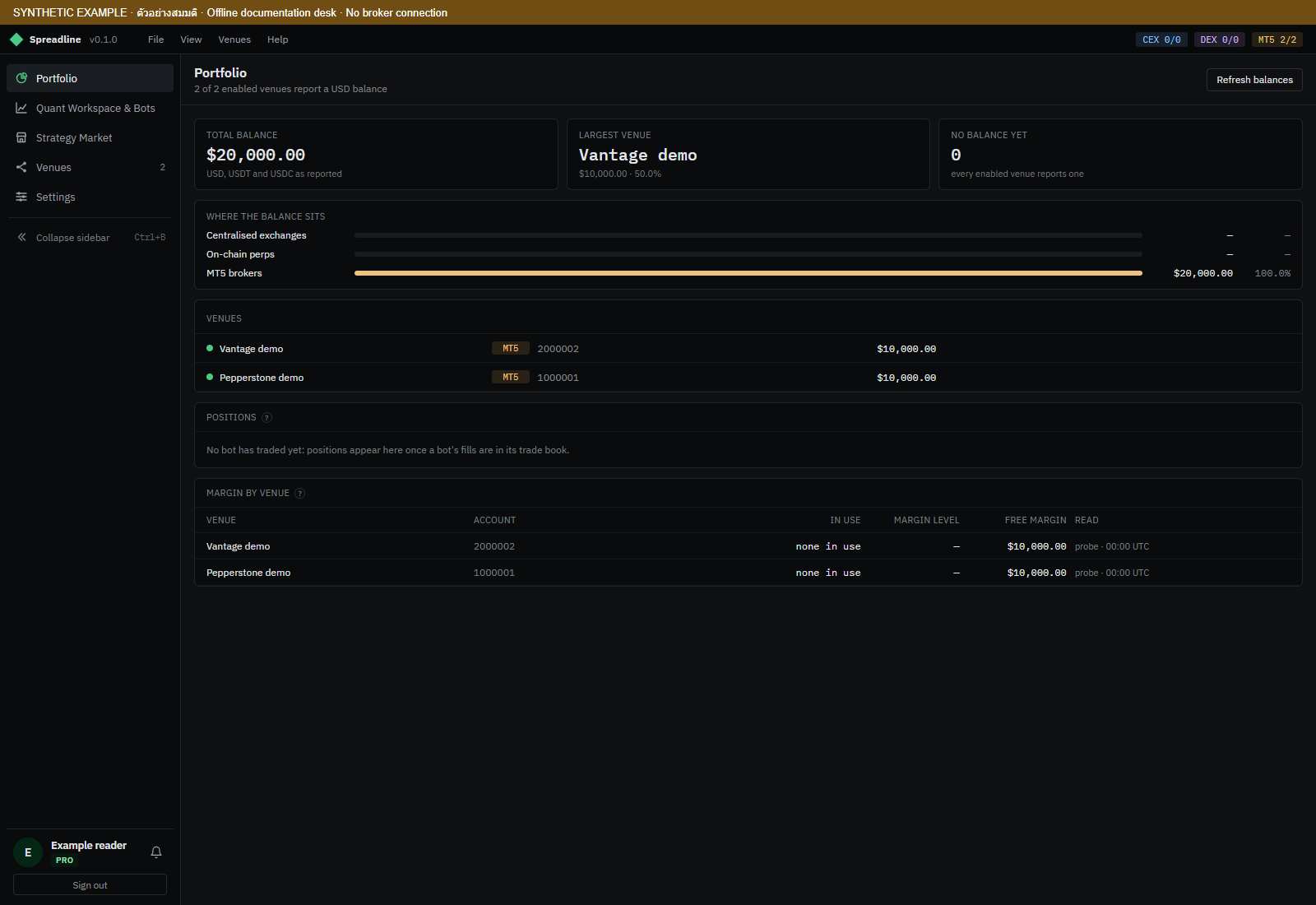 View full image
Synthetic example: invented accounts and prices. This picture is not trading or test evidence.
- No venue yet? Connect one under Venues first.
- Portfolio needs an active licence.