Documentation › User manual › Spreadline desktop program
Download and install
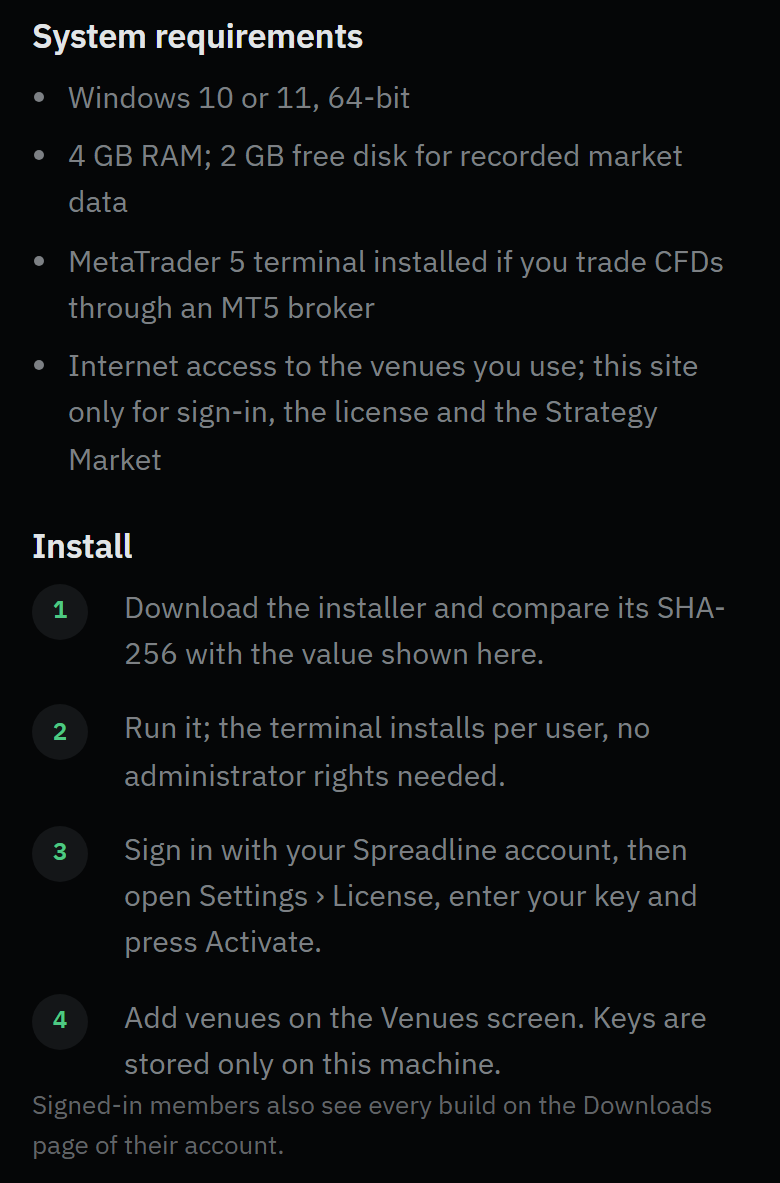
Spreadline runs on Windows 10 or 11 (64-bit). You also need the MetaTrader 5 terminal of your broker on the same computer.
[Installer link: added here when the release is published]
System requirements and the SHA-256 checksum of each build are on this page: Download
-
When the Windows installer is published, use the download button above to get the .exe. Until then, this page shows an unavailable-download placeholder. The Download page shows the system requirements and the checksum of each build.
 View full image
-
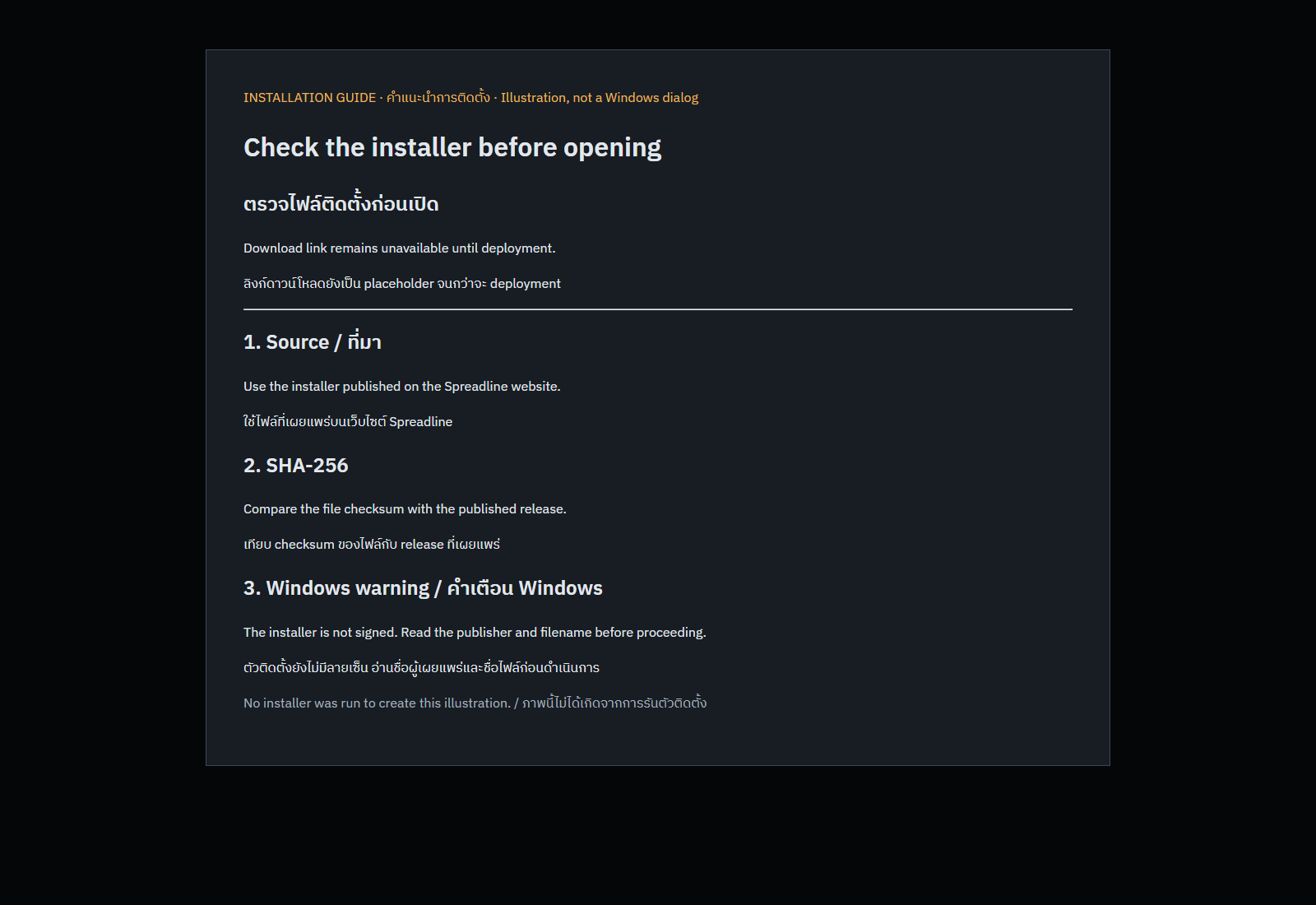
Run the setup file. Windows may warn about an unknown publisher ("Windows protected your PC"). This is expected: the installer is not signed with a code-signing certificate yet. Press More info, then Run anyway. It installs for your user only, no administrator rights needed.
 View full image
Installation guidance illustration; this is not a Windows warning dialog. -
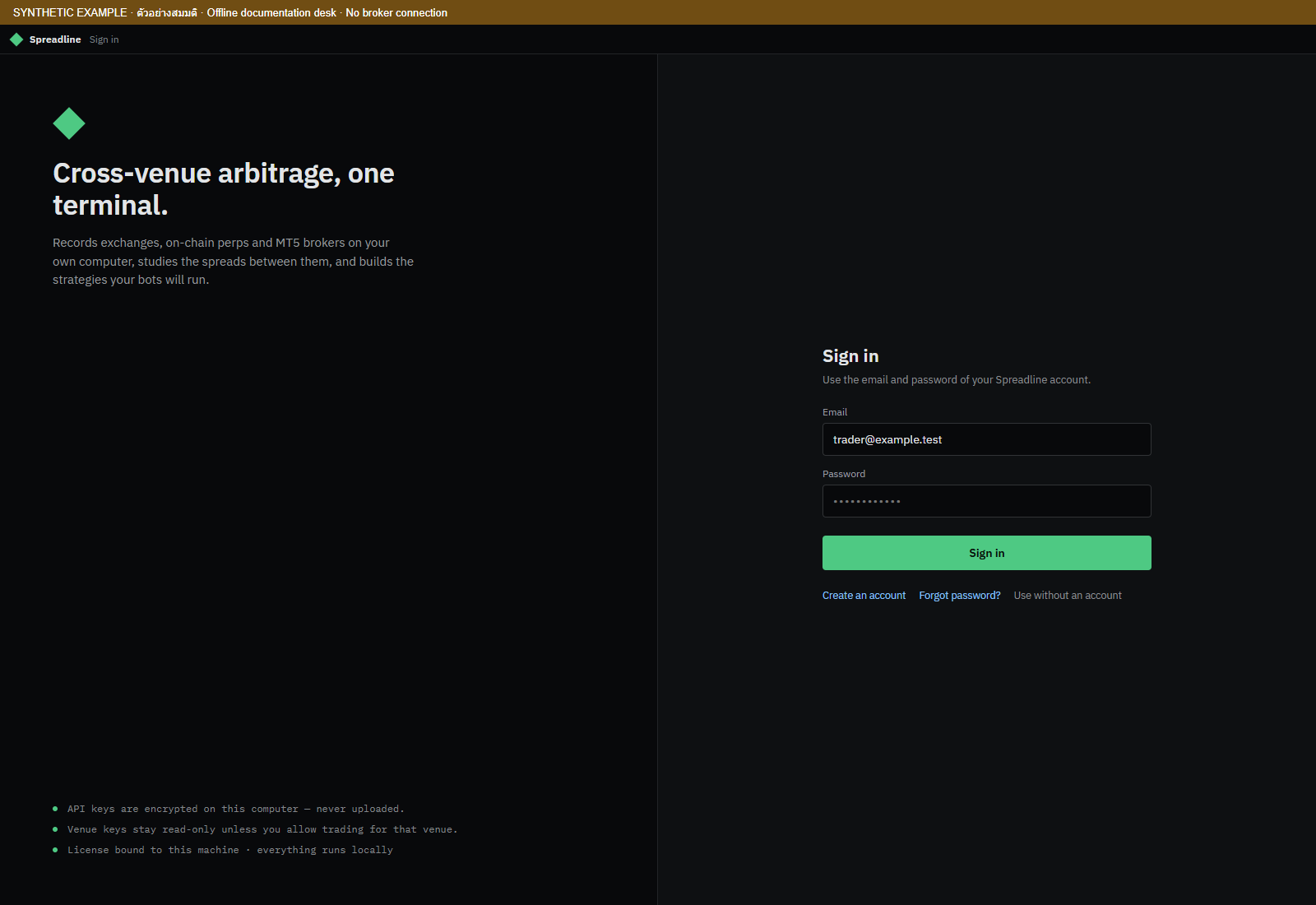
Start Spreadline and sign in with the email and password of your Spreadline account (and the two-factor code if it is on).
 View full image
Synthetic example: invented accounts and prices. This picture is not trading or test evidence. -
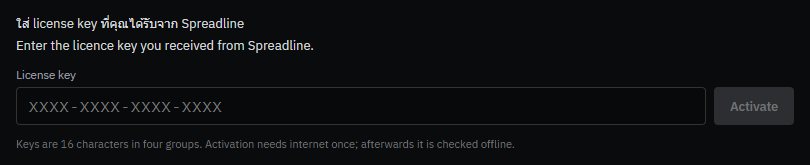
Open Settings › License. Type the licence key you received from Spreadline (16 characters, XXXX-XXXX-XXXX-XXXX) and press Activate. Activation needs the internet once. If the key is already on your account, press Activate here under "Licenses on your account" instead of typing it.
 View full image
Synthetic example: invented accounts and prices. This picture is not trading or test evidence. -
Add your MT5 broker under Venues. See "Venues".
- A licence key is issued by the Spreadline staff. Contact us to get one.
- Without an active licence, Portfolio and Quant Workspace & Bots are locked. Strategy Market, Venues and Settings stay open.
- A key is bound to the computer it is activated on.